
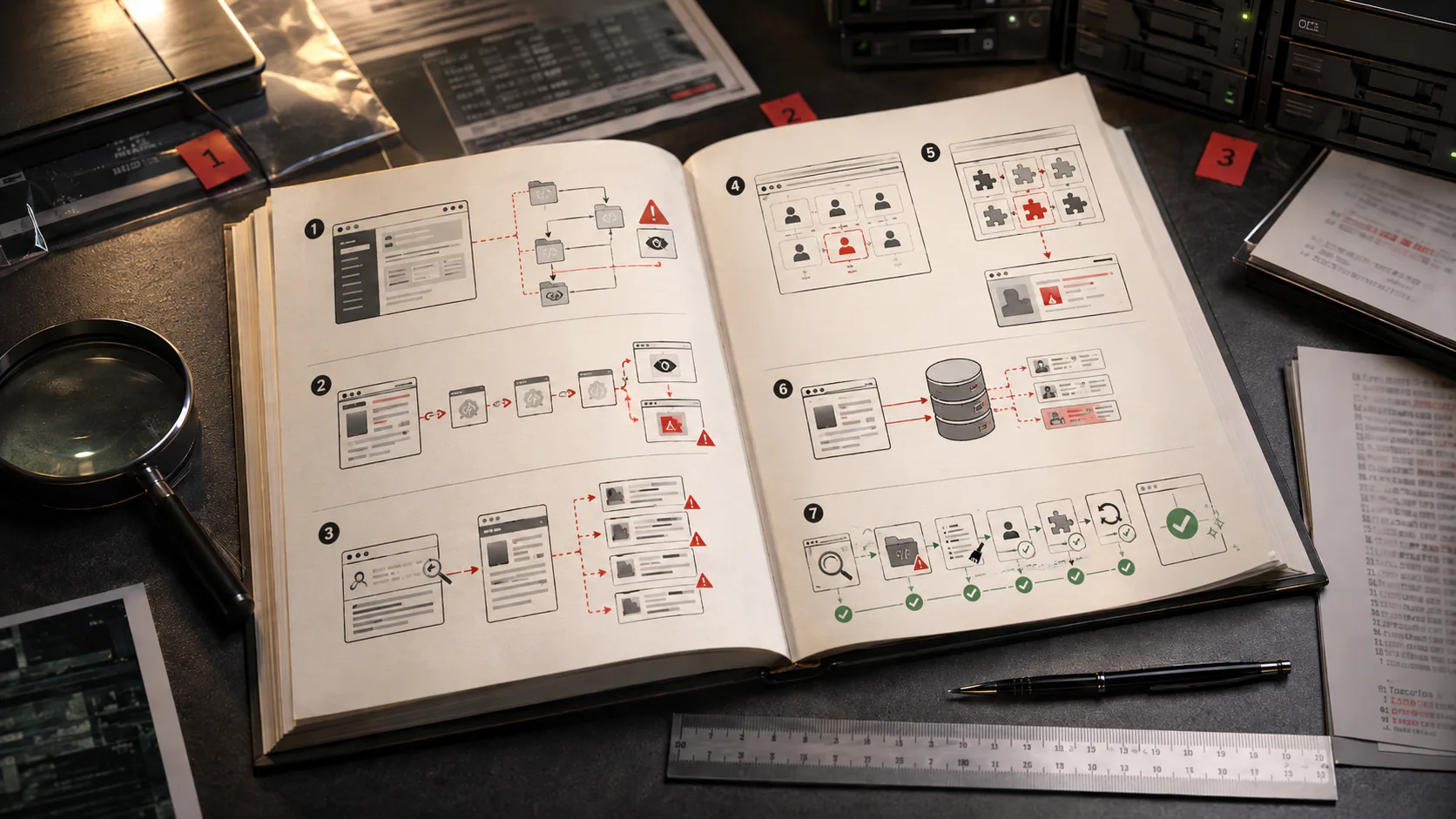
If your site is actively redirecting visitors, showing a “harmful content” warning in Google, or running with admin users you don’t recognize — stop reading this guide and go to triage. Don’t delete anything yet. Don’t restore a random backup. The first few hours determine whether the cleanup holds. Contact me directly.
WordPress runs roughly forty percent of the web, which makes it the most-attacked platform on the internet. Most small business owners don’t think about WordPress security until something visible breaks…a Google warning, a redirect, a suspended ad account, a customer who emails to say “your site sent me to a fake CAPTCHA.” By the time those signals appear though, there are usually decisions to make in a hurry, often from a vendor trying to close the engagement in twenty-four hours.
This guide is written for two readers. The first is the owner who runs their own WordPress site and is now reasonably sure something is wrong. The second is the owner working with a developer or agency who wants to know whether the diagnosis and quote they’ve been given are actually sound. Both readers need the same foundation: how WordPress sites get compromised, what malware does once it’s in, what cleanup actually means, and what the right order of operations looks like.
If you only have time for one section, scroll down to The right order of operations…and then go fix the order of operations.
What This Guide Covers
- CH-01 How WordPress sites actually get hacked The short list of attack surfaces that account for nearly everything. PG.04
- CH-02 How to know you're compromised The warning signals owners actually notice, and what each one means. PG.12
- CH-03 A working taxonomy of WordPress malware SEO spam, redirects, payment skimmers, backdoors, cryptominers, fake plugins. PG.18
- CH-04 Why “just scan and clean” usually fails Why scanner-only cleanup leaves the compromise behind. PG.26
- CH-05 The right order of operations From first suspicion to clean site — the steps in the right order. PG.30
- CH-06 What cleanup actually costs What changes the price, and what realistic ranges look like. PG.42
- CH-07 How to vet a vendor before they touch your site Questions that separate real cleanup vendors from “$99 scan” sellers. PG.46
- CH-08 Prevention after cleanup What “prevention” actually means after the cleanup is done. PG.54
Each section hands off to a deeper article where one exists.
How WordPress Sites Actually Get Hacked
The honest version is shorter than most owners expect. The overwhelming majority of WordPress compromises trace back to one of six entry points.
An outdated plugin with a known vulnerability. This is the largest single category by a wide margin. Plugins are third-party code with their own security records, and the gap between a vulnerability being disclosed publicly and a working exploit being weaponized is often a few days.
An outdated or pirated theme. Free copies of premium themes ()“nulled” themes) frequently ship with backdoors pre-installed. Even legitimately licensed themes go stale and accumulate known vulnerabilities over time.
A weak admin password, or no two-factor authentication. Brute-force attacks against /wp-login.php are constant background noise on the internet. Without 2FA and rate limiting, only the password is in the way. Sometimes the problem is even simpler: administrator access that should have been revoked was never taken back.
A compromised hosting account. On cheap shared hosting, one infected site on the same server can sometimes reach yours. On any hosting plan, a compromised hosting login bypasses everything else WordPress does to defend itself.
A supply chain attack. A plugin or theme author’s account is compromised, and the next “update” you accept silently installs the attacker’s code. This is rarer than the others, but it bypasses every “keep things updated” rule.
Re-infection from a backup. The site gets cleaned, the owner restores from “a backup before the problem started,” and the backup itself contains the original backdoor. The compromise was older than anyone thought. In other cases, the reinfection source is still live inside the site itself, as in this WordPress casino-spam reinfection case study.
There are other vectors inclduing but not limited to SQL injection, compromised developer machines, malicious file uploads through poorly written contact forms, et al, but the six above account for most of what I encounter.
How To Know You’re Compromised
Some signals are obvious and others easy to miss. The most common one (and usually the first thing an owner notices) is a “harmful content” or “deceptive site” warning in Google search results, or in Chrome before the page loads. That’s Google’s Safe Browsing system flagging the site, and it’s a downstream signal, not an upstream one which means by the time it appears, the compromise has been live long enough for Google to detect and confirm it. Search Console often delivers the same underlying detection through a different channel as a “Security Issues” email.
Redirects are another frequent tell. The site sends visitors offsite often only for mobile users, visitors arriving from Google, or only on the first visit. If you can’t reproduce a redirect that customers are reporting, that doesn’t mean it isn’t happening but rahter that it’s filtered. For owners running paid traffic, the first signal is often Google Ads suspending the account for “malicious or unwanted software,” because Google’s ad-side scanning is more aggressive than its organic-side scanning. Email deliverability frequently drops sharply at the same time: a compromised domain’s reputation degrades fast, and email sent from the domain goes to spam or gets rejected outright.
Performance issues without an obvious explanation are another common signal. Server-side cryptominers, spam-relay scripts, and attacker-controlled bot activity show up as elevated CPU, slow page loads, or hosting overage charges. Inside WordPress itself, strange admin users often appear in the user list with names that look almost legitimate like wp_admin, support, admin_2, or your own admin account suddenly has changed permissions. Search results may show pages on your domain you didn’t create, typically pharma, casino, or foreign-language content; that’s SEO spam injection, visible to Googlebot while being invisible to logged-in users, and it can be driven by either retained admin access or self-healing database malware. And sometimes the first notification is your hosting provider sending an abuse notice, usually because their upstream complained first.
If one of these is happening, don’t start clicking around the WordPress admin trying to fix it. The next two sections explain why.
A Working Taxonomy Of WordPress Malware
The word “malware” gets used to describe a dozen unrelated things. Knowing which kind you’re dealing with changes both the cleanup and the vendor conversation.
/wp-content/mu-plugins/, modified core files, hidden database options, or files with names that look legitimate enough that nobody opens them.Some compromises involve only one of these. Most involve two or three layered together — for instance, SEO spam plus a backdoor plus a fake admin user, all installed by the same intrusion.
Why “Just Scan And Clean” Usually Fails
Most cheap cleanup services run an automated scanner against the site, delete files that match known malware signatures, and hand the site back. That removes the visible payload. It rarely removes the compromise.
Three reasons.
First, scanners detect what they’ve already seen. Custom or recently-modified malware doesn’t match a signature. Conditional redirect code in particular is often skipped by signature-based scanners because the malicious behavior only triggers under conditions the scanner doesn’t reproduce.
Second, scanners don’t find the entry point. They find symptoms — the spam page, the redirect script, the skimmer. They don’t tell you how the attacker got in. Without that, the same vulnerability gets re-exploited a week or a month later, often by the same actor using the same backdoor that the scanner also didn’t find.
Third, deleting compromised files destroys the evidence needed to find the entry point and the persistence. File timestamps, ownership, permissions, the exact code variant, the pattern of modifications across the file tree — these are how an investigator works backward from the malware to the breach. Once the files are gone, that information is gone with them.
This is important enough that it has its own article on the site: Found Something Suspicious on Your Website? Don’t Delete It Yet.
A scanner-only cleanup isn’t nothing — it’s a useful step inside a real cleanup. By itself, it’s a way of paying ninety-nine dollars and being re-infected before the end of the month. The failure mode is exactly what happened in The Site That Kept Reinfecting Itself: files were removed, but the mechanism rebuilding them was still present.
The Right Order Of Operations
This is the part most cleanups get wrong, and it’s the part that determines whether the cleanup holds.
Phase 01: Preserve
Before anything is changed or deleted, take a full copy of the site as it currently stands — files and database both. Store it somewhere outside the live environment. This is the evidence. Everything downstream depends on it.Phase 02: Scope
Establish what was compromised and roughly when. Look at file modification times, the admin user list, recent plugin and theme installations, hosting access logs if available, and Search Console for the earliest sign Google noticed something. The goal is not certainty — it’s a working timeline.Phase 03: Contain
Cut off the attacker’s current access. Rotate every WordPress admin password, hosting password, FTP and SFTP credential, and database password. Force-logout active sessions. If the site is actively serving malware to visitors, take it offline; a maintenance page is fine and is better than continuing to harm visitors and accumulate Google warnings.Phase 04: Clean
Replace WordPress core files from a known-good source. Replace plugin and theme files from the original vendors, not from copies still on the running site. Audit the database for injected content, suspicious options, unauthorized users, and modified roles. Remove backdoors — and look for them in the places automated tools miss:/mu-plugins/, wp-config.php, .htaccess, theme function files, and the wp_options table.
Phase 05: Verify
Re-scan with at least two different tools. Check that the symptoms you originally saw are gone. Check that no new admin users have appeared since cleanup. Check logs for any sign of attempted re-entry.Phase 06: Submit
If Google has flagged the site, the warning does not lift automatically. The site has to be fully clean, then submitted for review through Search Console (for Safe Browsing warnings and Security Issues), through Google Ads (for ad account suspensions), and through any other channel that has flagged it. Order matters: submitting before the site is actually clean fails the review and resets the clock. What each warning means and how the review process actually works: Google Says My Website Has Harmful Content — What Should I Do?Phase 07: Harden
Close the door the attacker came through, plus the obvious adjacent doors. The prevention section below is the short version of what that involves.Steps 1 through 4 are the work most people think of as “the cleanup.” Steps 5 through 7 are where DIY cleanups and budget vendor cleanups typically stop, which is also why those cleanups frequently don’t hold.
What Cleanup Actually Costs
Cleanup pricing varies more than most owners expect, from around three hundred dollars for a small site with limited damage to six thousand five hundred or more for a complex e-commerce compromise involving Google warnings, payment data exposure, and re-infection. What changes the price is the depth of the work… whether the vendor is removing visible malware only or whether they’re also finding the entry point, cleaning persistence, restoring search and ad visibility, and hardening the site to prevent the next round.
A full breakdown of what drives the price, with realistic ranges by scenario: How Much Does WordPress Malware Removal Cost in 2026?
How To Vet A Vendor Before They Touch Your Site
If you’ve been given a quote and you’re trying to decide whether it’s a good one, the questions below separate vendors who understand WordPress compromise from vendors selling a ninety-nine-dollar scan as a “cleanup.”
A reasonable cleanup engagement involves the vendor asking a lot of questions early and writing a lot of things down later. If neither is happening, you’re likely paying for a scanner run with extra steps.
Prevention After Cleanup
Most re-infections aren’t sophisticated. They’re the same vulnerability the first attacker used exploited again because nothing changed after the cleanup. What follows isn’t exhaustive, but it covers what actually moves the needle.
The first move is software hygiene. Keep WordPress core, plugins, and themes updated ideally with a staging environment so updates don’t break the live site, and with auto-updates for security patches turned on. The flip side matters just as much: remove plugins and themes you aren’t using, because inactive code is still code and the unused plugin you forgot about is a common entry point.
The second move is locking down access. Audit admin users at least quarterly and remove old contractor accounts, old agency accounts, and anyone you don’t recognize. Two-factor authentication on every admin account isn’t optional. And restrict /wp-login.php and /xmlrpc.php either by IP, by additional authentication, or by disabling XML-RPC outright if you don’t use it.
The third move is layering infrastructure in front of and underneath the site. A web application firewall (Cloudflare, Sucuri, or comparable) sits in front and blocks a large share of automated attacks before they reach WordPress. Underneath, hosting with actual tenant isolation matters: bargain shared hosting where dozens of unrelated sites share a single user account is a recurring source of cross-contamination.
The last move is planning for the next compromise even after this one is closed. Real backups means offsite, tested by being restored at least once, with retention long enough to predate a slow-moving compromise; a backup from yesterday is useless if the compromise is three months old. And be sure to keep an eye on the signals: Google Search Console, Google Safe Browsing status, ad account health, and email deliverability are all free or near-free indicators that something is wrong, and all four are typically ignored until they break.
None of this individually is dramatic. All of it together is the difference between “we get hit every six months” and “we don’t.”
A Closing Note
Most of the WordPress compromises I’m called in to clean up could have been caught earlier and fixed more cheaply if the first person to touch the site hadn’t deleted the evidence, or if the initial cleanup had bothered to look for the entry point. The malware itself is rarely the hard part. The hard parts are figuring out how the attacker got in, making sure they can’t get back, and getting the site back into good standing with Google before the warning costs you customers.
If you think your site is compromised, if you’ve been given a quote and you want a second read on it, or if you want a real diagnosis before any cleanup work begins: get in touch.
Frequently Asked Questions
Related Reading
-
How Much Does WordPress Malware Removal Cost in 2026?
Real-world pricing for WordPress cleanup, and what makes a quote double or triple. -
Why Is My WordPress Site Redirecting to Another Website?
Redirect malware is one of the most common signals owners actually notice. -
Google Says My Website Has Harmful Content — What Should I Do?
What a Safe Browsing warning actually means, and what to do before requesting a review. -
Found Something Suspicious on Your Website? Don't Delete It Yet.
The instinct to delete a suspicious file is the same instinct that turns a one-week cleanup into a one-month one. Here's why preserving evidence matters, what gets lost when you delete in a panic, and the right sequence for handling something you don't recognize.